Kome AI

Kome is a browser extension that enhances online browsing with AI-powered tools.
Category: AI Productivity Tools
og-image-9

Overview

Kome is an AI-powered browser extension designed to streamline knowledge management and content consumption. It functions as an all-in-one assistant that allows users to instantly summarize articles, news, websites, and YouTube videos, helping to improve reading efficiency. By integrating summarization with a robust bookmark manager, the tool enables users to capture, store, and easily search for content across any website.

Beyond organization, Kome offers smart writing features that utilize saved bookmarks to generate emails, tweets, and blog posts. Additional utility features include an email address extractor, a website color palette tool, and a centralized search function for saved URLs. It is designed for researchers, content creators, and professionals who need to manage large volumes of online information efficiently. The extension is compatible with Chrome, Edge, Opera, Brave, and Arc browsers.

How to use it?

  1. Install the Kome extension on your preferred browser.
  2. Navigate to any article, webpage, or YouTube video you wish to process.
  3. Click the extension icon to generate an instant summary or save the content to your bookmark manager.
  4. Use the Smart Compose feature to draft emails or social media posts based on your saved bookmarks.

Features

AI-Powered Summarizer: Kome AI can instantly summarize a variety of content such as articles, news, YouTube videos, and websites, thus enhancing reading speed by three times.

Bookmark Manager: With Kome AI, users can capture and save content from any website effortlessly, and organize them for easy retrieval using a simple search function.

Smart Compose: By leveraging bookmarks, Kome AI can assist in crafting AI-generated emails, tweets, and blog posts to streamline the writing process.

YouTube Transcript Generator: This feature enables users to automatically create transcripts for videos on YouTube.

Extract Emails: Kome AI offers a quick solution to extract all email addresses from webpages or documents efficiently.

Extract Colors: Users can generate color palettes from any document or website using this feature.

Automated Scrolling: Kome AI allows users to automate the scrolling process, making browsing more convenient.

URL Search: Searching for URLs is simplified with Kome AI, as users can conduct searches without leaving their current page.


Similar Websites

og-image-9
Kome is an AI-powered browser extension designed t...
AI Productivity Tools
e1e5befdab80d34970d29270992d630a
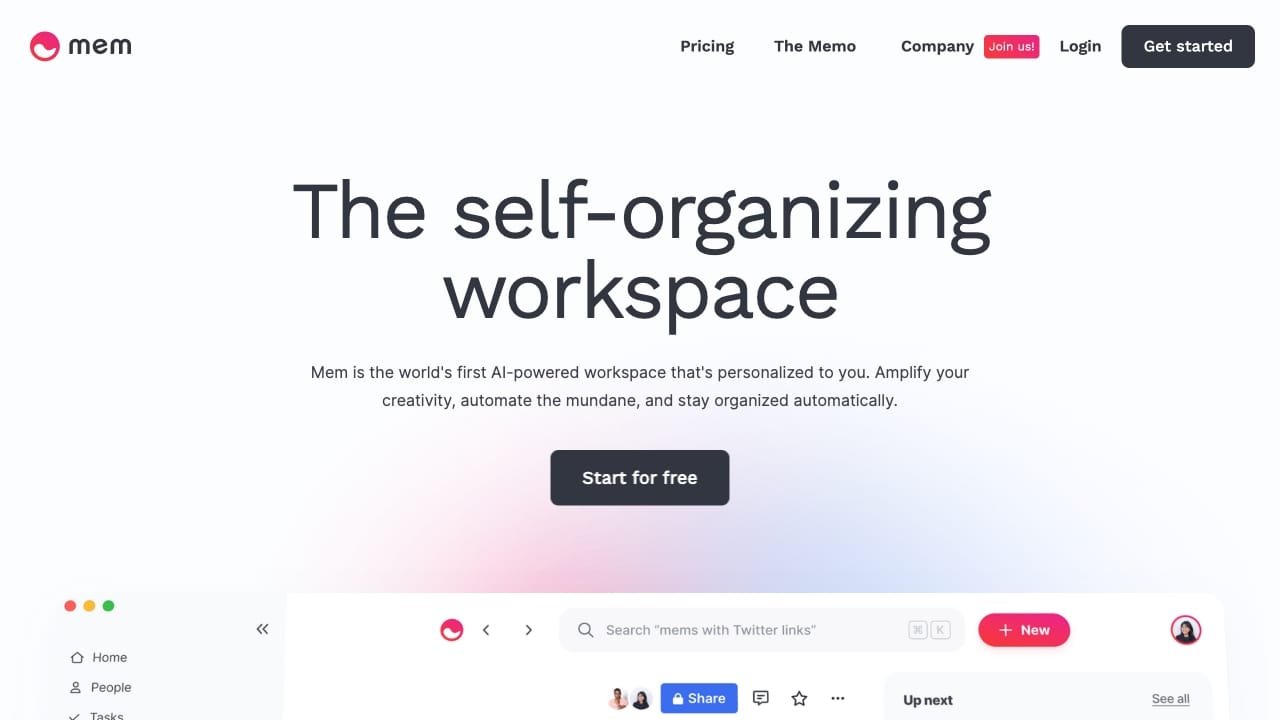
Mem is an AI-powered workspace designed to help te...
AI Productivity Tools
craft_og
Craft is a productivity application designed for m...
AI Productivity Tools
opengraph-image-pwu6ef
Raycast is an extendable, keyboard-first launcher ...
AI Productivity Tools
taskade-genesis-mascot-2026
Taskade is an AI-powered business application buil...
AI Productivity Tools
default-og-image-1764610536
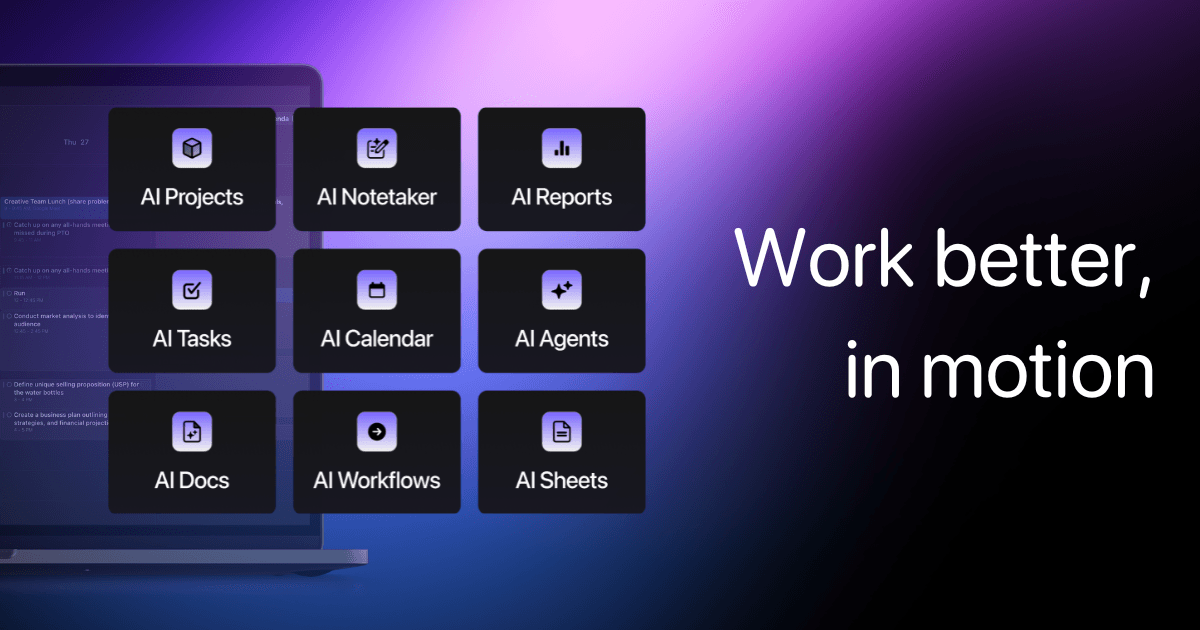
Motion is an AI-powered productivity platform desi...
AI Productivity Tools
social
MaxAI.me is an AI-powered browser extension design...
AI Productivity Tools
teams-and-agents
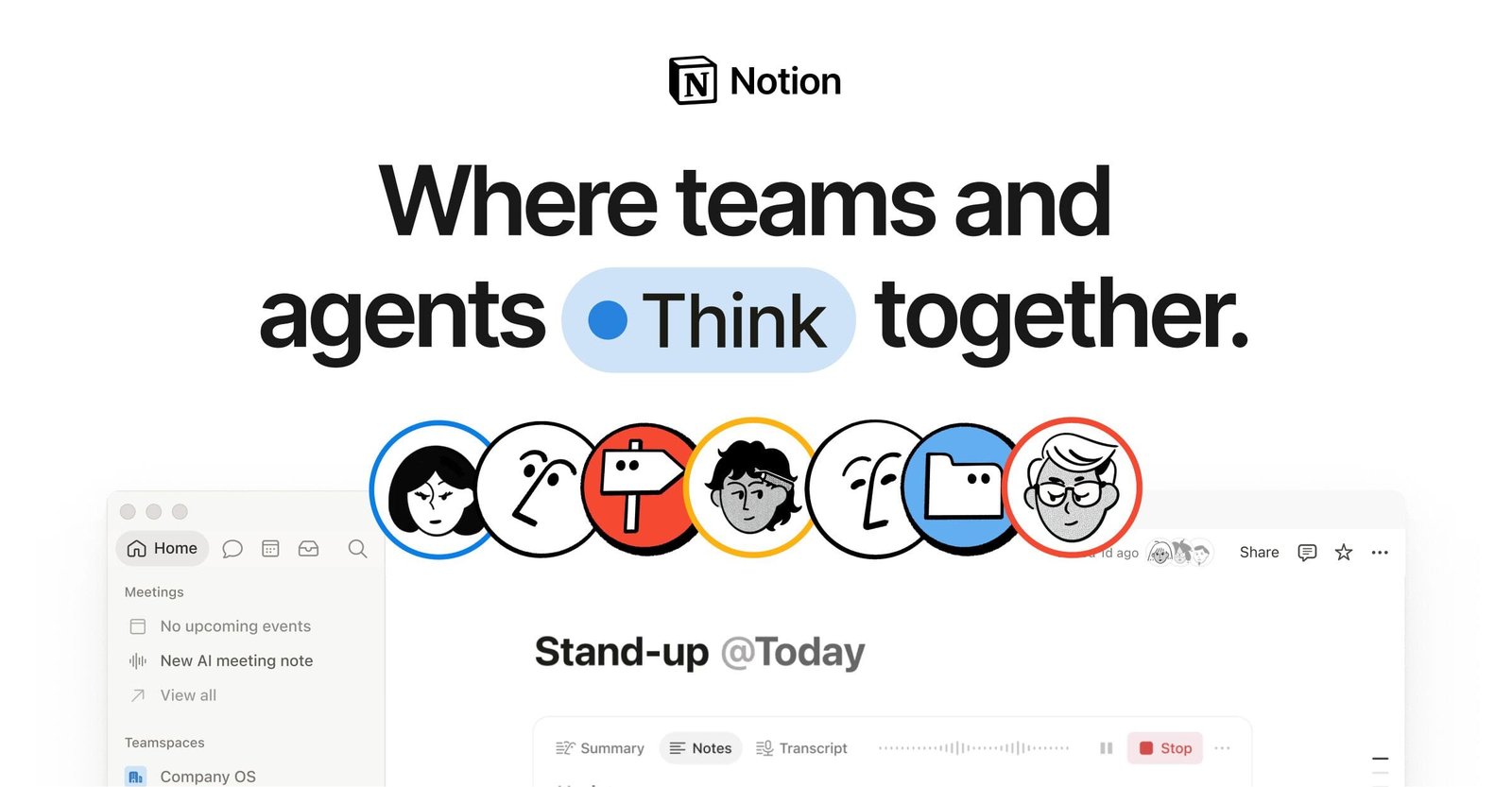
Notion AI is an integrated workspace solution desi...
AI Productivity Tools
banner-5810-27af2cc8.png
Sider is your AI sidekick, seamlessly integrating ...
AI Productivity Tools
Shopping Cart
Scroll to Top
About · Contact · Privacy Policy · Terms of Service · Disclaimer
Some links to tools are affiliate links — if you sign up through them we may earn a commission at no extra cost to you. This never affects which tools we list.
© 2026 GPT Library