Raycast

Overview
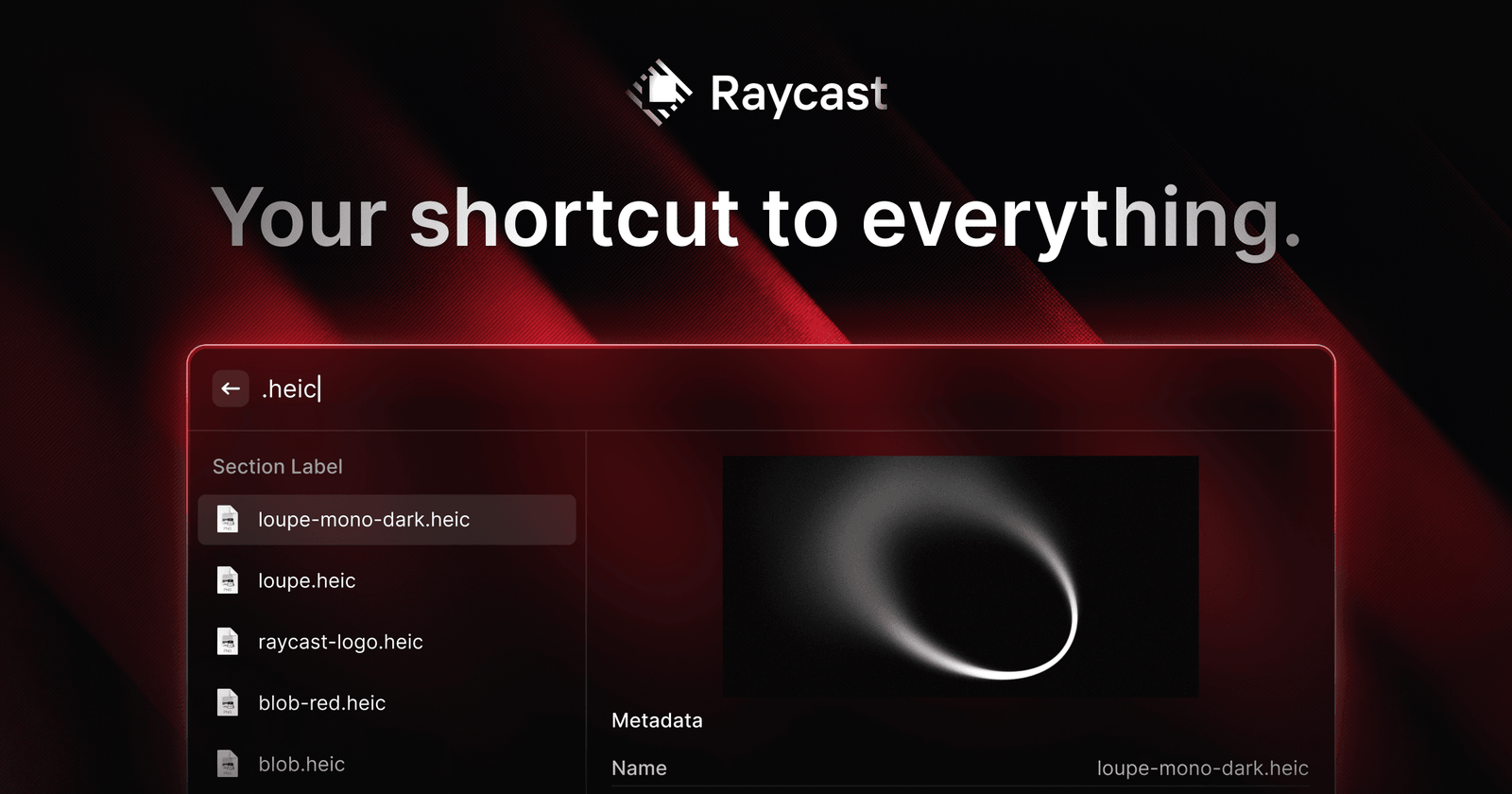
Raycast is an extendable, keyboard-first launcher designed to serve as a centralized hub for productivity tools on macOS and Windows. By replacing standard application launchers, it allows users to perform tasks, search files, and control system functions without leaving their current workflow. The platform is built for speed and performance, aiming to minimize interruptions and optimize daily computing tasks.
The tool is designed for power users, developers, and professionals who want to streamline their digital environment. Typical use cases include managing project tickets in Jira or Linear, controlling music playback, searching browser history, managing passwords via 1Password, and automating repetitive tasks through custom AI commands. With an extensive store of community-built extensions, Raycast integrates directly with a wide variety of third-party applications to provide a unified interface for system-wide control.
How to use it?
- Download and install the Raycast application on your operating system.
- Invoke the launcher using a customizable keyboard shortcut to open the command interface.
- Type the name of an application, file, or specific command to execute it instantly.
- Browse the integrated store to install extensions that connect your favorite services and tools directly to the launcher.
Features
Lightning-fast launcher, Command tools via keystrokes, Project management, Math operations, Easy link sharing, Automated commands, Efficient file retrieval, Organized window handling, Access to clipboard history, Text shortcuts, Instant access to preferred links, Docked memos, Personalized interfaces, Chatbot enhanced by AI, Data synchronization on the cloud, Interface for building new extensions