Stylar
Overview
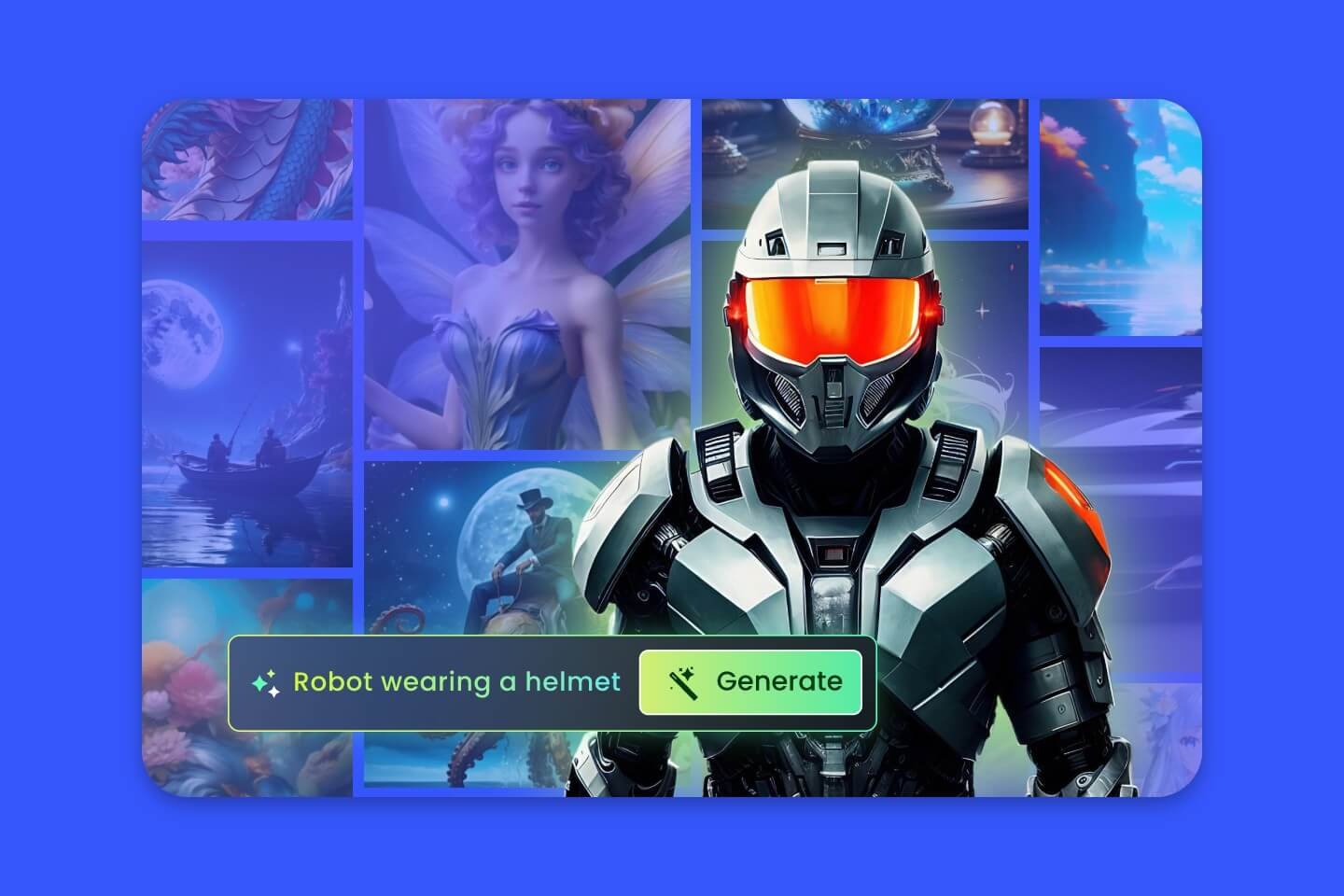
Dzine is an all-in-one AI image design platform designed to provide users with high levels of control over image composition, style, and layout. It is built for both professional designers and beginners who want to move beyond simple text-to-image prompting by utilizing intuitive, layer-based editing tools. The platform features a user-friendly interface that simplifies complex design tasks through drag-and-drop functionality, sketching, and precise positioning.
Key use cases include generating professional-grade images, editing existing visuals, and refining AI-generated content. Users can leverage predefined styles to avoid complex prompting, use the Dzine Assistant to generate prompts via natural language, and employ auto-selection tools to split images into layers. With features like one-click enhancement for faces and hands, as well as high-resolution export capabilities up to 6144px, Dzine serves as a comprehensive tool for creating and customizing visual assets.
How to use it?
- Sign up to access the online platform and utilize your daily credits.
- Use the layer-based composition board to drag and drop elements or use sketching tools to define your layout.
- Apply predefined styles or interact with the Dzine Assistant to generate content through natural language.
- Refine your image using auto-selection for layering and the ‘Enhance’ tool for clarity.
- Export your final design in high-definition PNG or JPG formats.
Features
Stylar AI offers a variety of core features such as ready-to-use styles that can be easily customized, tools for precise control over layering and positioning, as well as sketching features to personalize the images created.
Similar Websites