Overview
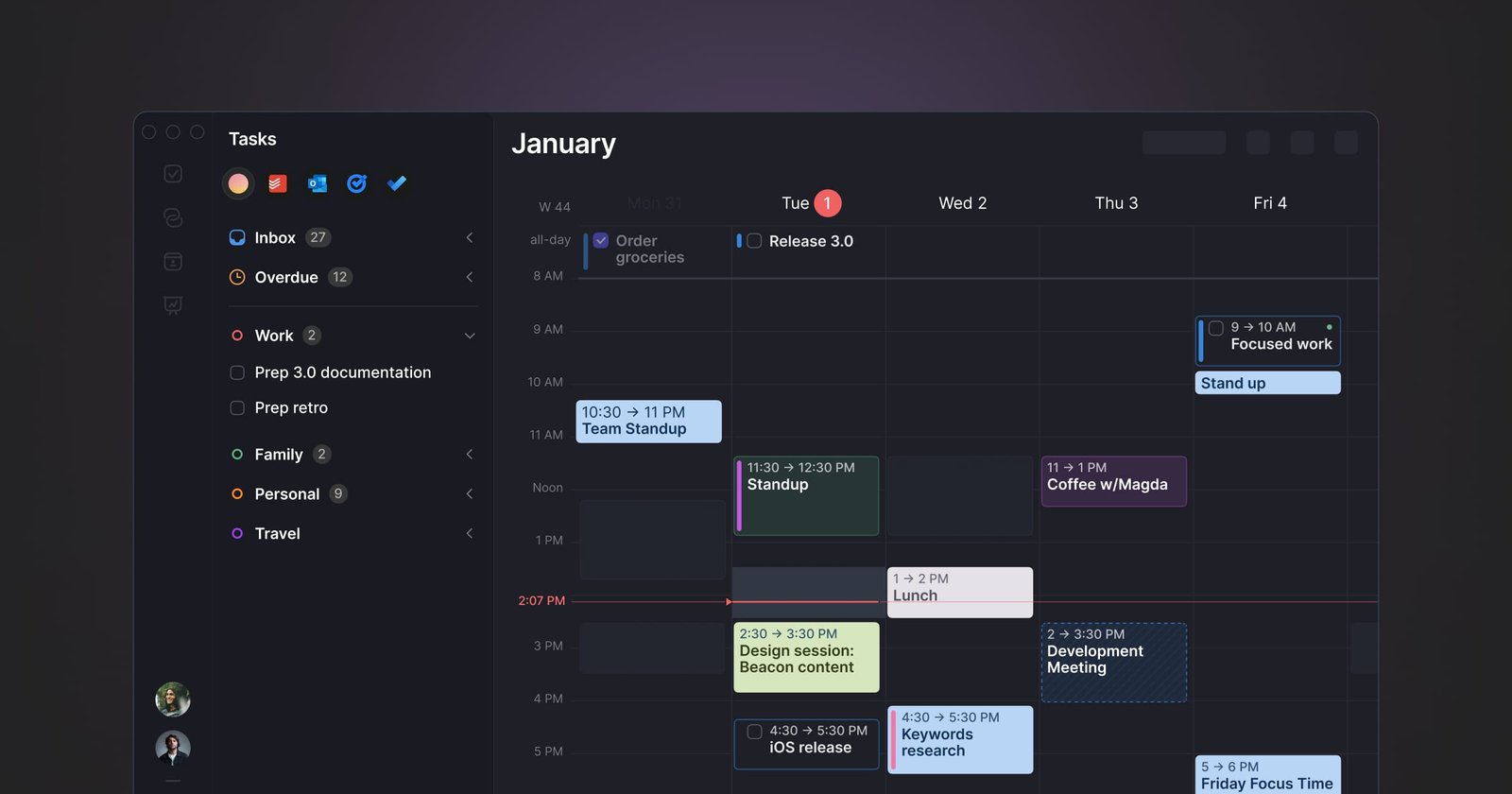
SigmaOS is a productivity-focused web browser designed to streamline the way users organize and interact with the internet. By utilizing a workspace-based architecture, the browser allows users to categorize tabs into distinct rooms, making it easier to manage multiple projects, logins, and workflows simultaneously. Its interface features vertical tabs that function like a to-do list, enabling users to mark pages as complete or lock them for ongoing reference.
The browser also integrates Airis, an AI-powered companion that provides contextual assistance. Airis allows users to chat with the content of the website they are currently viewing, request explanations for specific paragraphs, and perform complex searches across multiple pages. Designed for power users and multitaskers, SigmaOS includes features like split-screen multitasking and a ‘Lazy Search’ function to help users navigate their digital environment more efficiently.
How to use it?
- Download and install the SigmaOS browser to begin organizing your tabs into workspaces.
- Use the vertical tab sidebar to manage your pages as tasks, marking them as done or locking them as needed.
- Press the spacebar to trigger ‘Lazy Search’ for quick navigation across your tabs, bookmarks, and the web.
- Access the Airis AI companion to chat with the website you are currently viewing or to summarize and explain complex information in context.
Features
Utilize Pinch gesture to generate an interactive overview of a page, access Vertical tabs for easier navigation, enable Split Screen for efficient multitasking, utilize Lazy Search to swiftly browse through tabs and the web, employ Ask Anything feature to obtain contextual answers, condense any website into a concise interactive summary, activate Magic Theme for an enhanced website appearance, experience ad-free browsing through SigmaOS Ad Blocker, engage Focus Mode for undisturbed online activity, facilitate Easy Migration to transfer logins, cookies, and history from a previous browser, manage Multiple Logins with distinct profiles, use Single-key Shortcuts for speedy navigation, preview links with Command-Hover, ensure SigmaOS setup retrieval on any Mac with Autosync, self-name tabs with Magic Rename, optimize RAM usage with Page Suspension, and utilize the AI browser engine, A1 Kit, while browsing.
Similar Websites