Openart
Overview
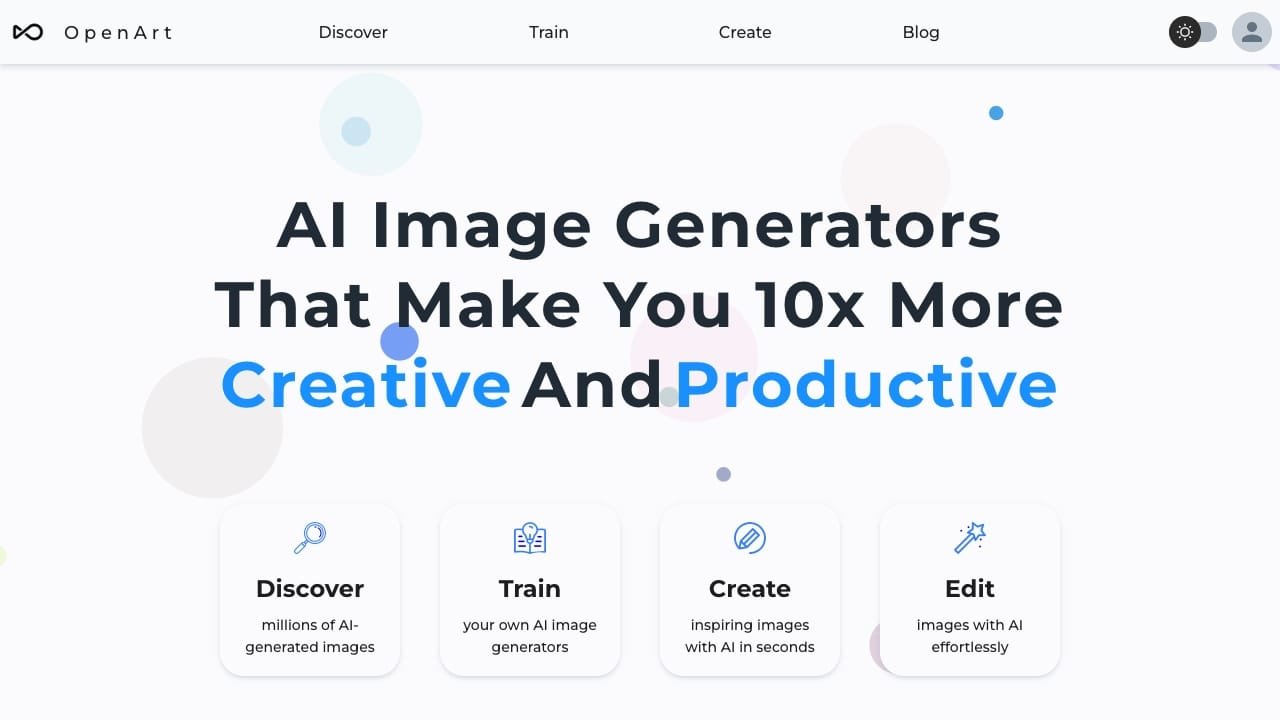
OpenArt is an all-in-one AI creative platform that provides access to over 100 generative models, including those from OpenAI, Google, and Seedance. It serves as a comprehensive hub for creators looking to produce high-quality AI-generated content across multiple media formats, including images, videos, and music.
The tool is designed for creators, designers, and digital artists who require a centralized workspace to experiment with diverse AI technologies. Typical use cases include generating cinematic videos from text or images, creating original music tracks, performing voice cloning, and maintaining character consistency across various scenes. Additionally, users can utilize advanced features like camera angle control, image upscaling, and 3D world creation to refine their projects.
How to use it?
- Sign up for a free account on the OpenArt platform.
- Select your preferred AI model from the library of over 100 available options.
- Input your text prompt or upload a reference image/audio file to begin the generation process.
- Refine your output using specific tools like motion control, voice changing, or camera angle adjustments.
Features
- Openart is equipped with an AI image generator offering over 20 models and styles for users to select from.
- The tool supports various functions including txt2img, img2img, ControlNet, inpainting, and others.
- It provides face/anime enhancement with 2x and 4x upscaling capabilities.
- Users can interact with the AI efficiently without needing to spend extensive time on prompting.
- Openart allows users to have precise control over colors and output similarity.
- The tool features a Creative Variations option, enabling users to explore numerous versions of an image.
- With access to over 10 million prompts, users can enhance their creative projects effectively.