
Office Translator
Overview
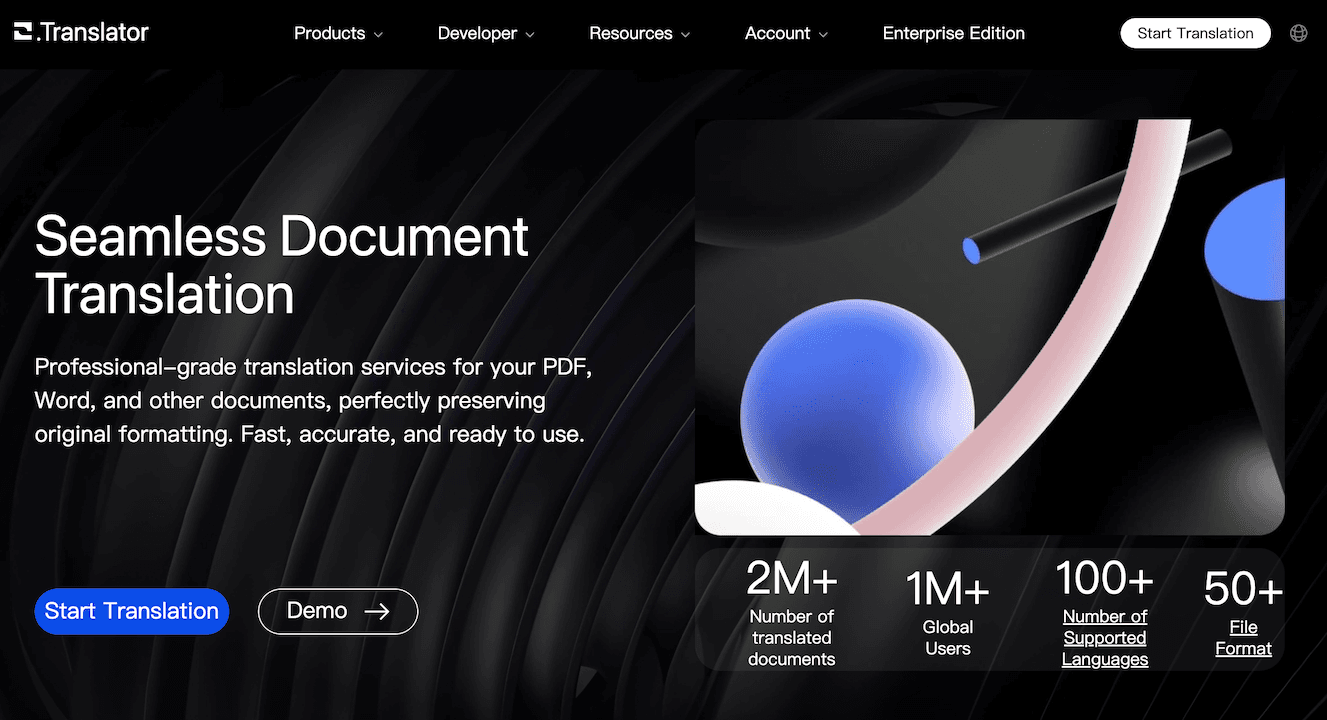
Office Translator is an AI-powered document translation service designed to translate files while maintaining their original layout and formatting. It supports over 50 file formats, including PDF, Word (DOCX), Excel (XLSX), EPUB, and various image and subtitle files. The tool is built for professionals, businesses, and teams who require accurate, context-aware translations across more than 100 languages.
Key features include built-in OCR technology for scanning images and PDFs, custom terminology management for brand consistency, and enterprise-grade security with end-to-end encryption. It is suitable for a wide range of use cases, such as translating formal business contracts, academic papers, technical documentation, and electronic books, offering tiered quality levels to match specific project requirements.
How to use it?
- Upload your document to the Office Translator platform.
- Select your desired target language from the available options.
- Preview the translation quality to ensure it meets your needs.
- Confirm the translation and proceed with payment to download the final document.
Features
The AI tool Office Translator supports a variety of formats including PDF, DOCX, Pptx, Xlsx, ePub, and SRT using ChatGPT Translator. It accurately translates documents while preserving their original format. The translation process is enhanced with the use of large language models (LLMs) focusing on semantic understanding to improve quality. Users benefit from cost-effective services, with a charge of approximately $1 to translate a 20,000-word document, completed in minutes. A free preview is available to ensure translation quality before payment. The tool offers API integration for easy file translation functionality within existing systems. Translated documents are stored securely and privately for access via mobile or computer. Users can organize and collaborate within the tool by inviting members to join their organization for streamlined translation processes.
Similar Websites