LanguageTool
Overview
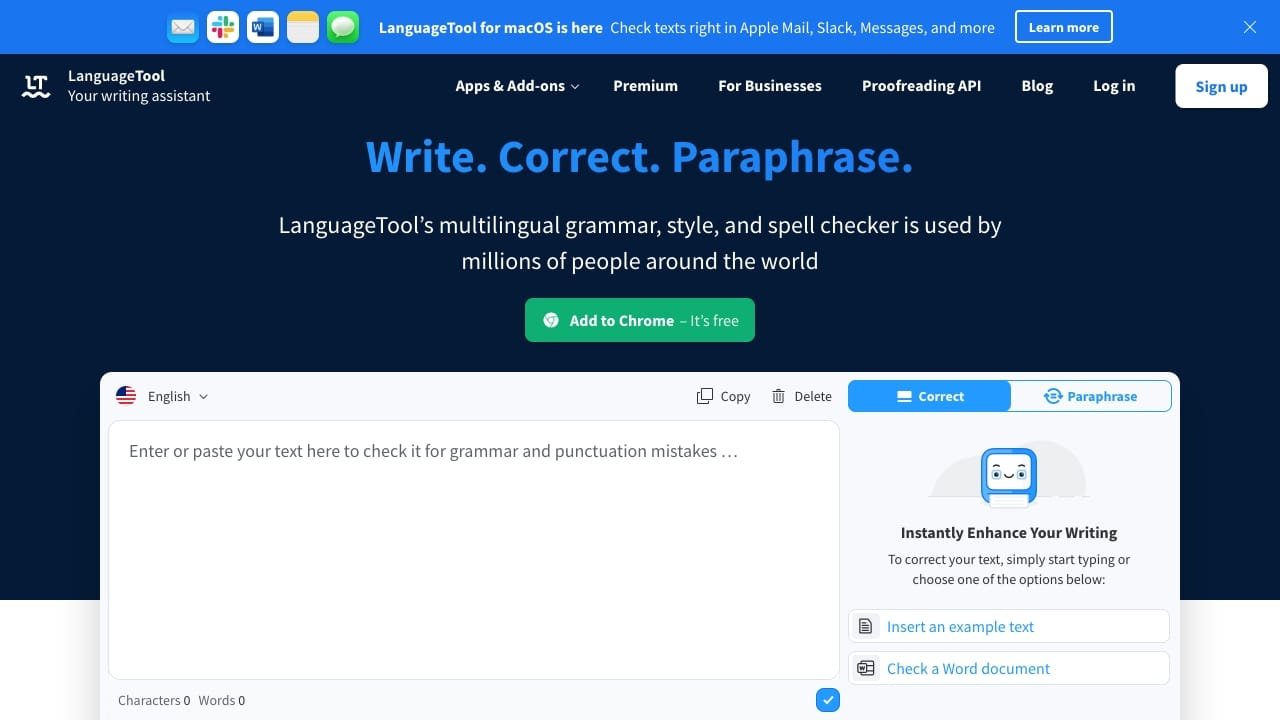
LanguageTool is an AI-powered writing assistant designed to detect and correct grammar, spelling, and punctuation errors across more than 30 languages. Beyond basic proofreading, the tool helps users refine their writing style and tone to ensure clear and professional communication.
The platform is suitable for individuals, students, and businesses looking to maintain a consistent brand voice. Typical use cases include drafting emails, writing blog posts, creating documents in word processors like Google Docs or Microsoft Word, and general text editing. It also features a paraphrasing tool to help users rephrase sentences for better clarity or flow.
How to use it?
- Access the LanguageTool editor via the website or install the appropriate browser extension, email add-on, or office plugin.
- Paste your text into the editor or begin typing directly into your document or web browser.
- Review the highlighted suggestions for grammar, spelling, and style improvements.
- Apply the recommended changes to refine your text.
Features
LanguageTool offers the following key features:
1. Grammar Checker: It examines your text for grammatical errors and aids in choosing the appropriate tone.
2. Style Checker: This tool suggests enhancements to writing style, like avoiding clichés and unnecessary words.
3. Spell Checker: It identifies and rectifies spelling errors within your text.
4. Punctuation Checker: It assists in resolving punctuation mistakes, including missing commas and improper use of dashes and hyphens.
5. Casing Checker: This feature fixes inaccurately capitalized words like names and nationalities.
6. Paraphraser: LanguageTool utilizes AI to reword sentences for improved formality, fluency, simplicity, or brevity.
Similar Websites