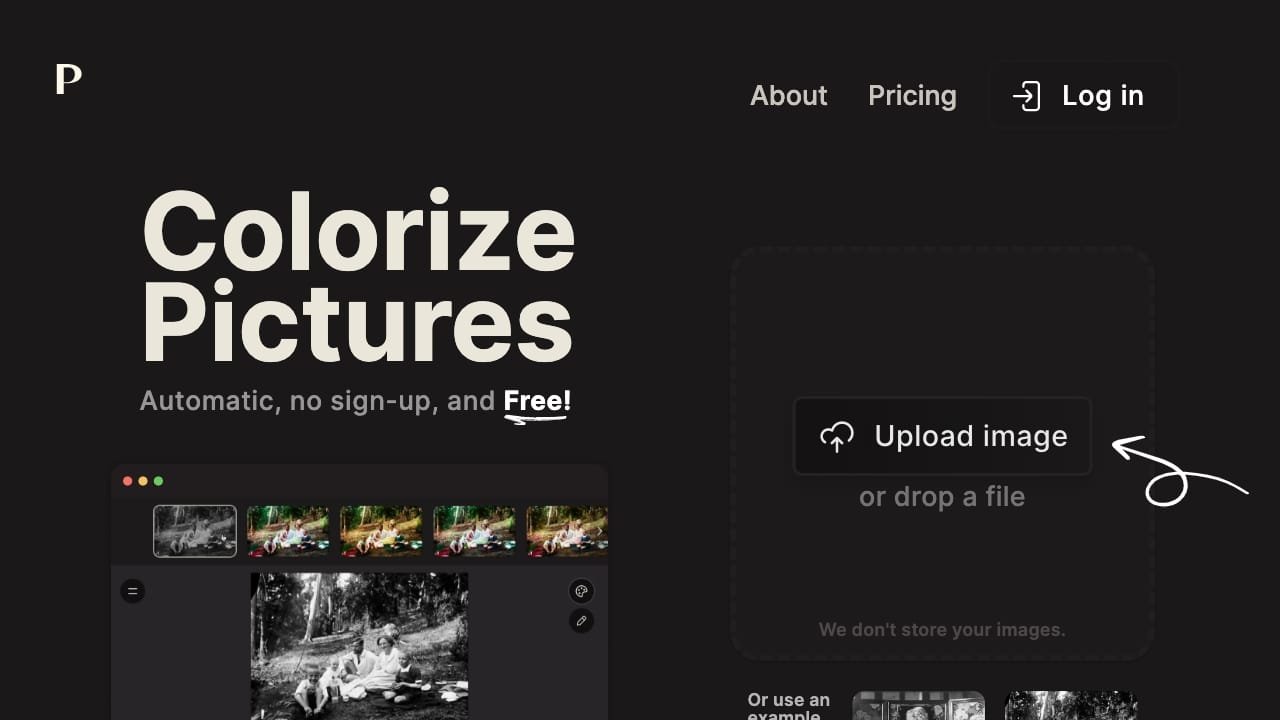
Imagecolorizer
Overview
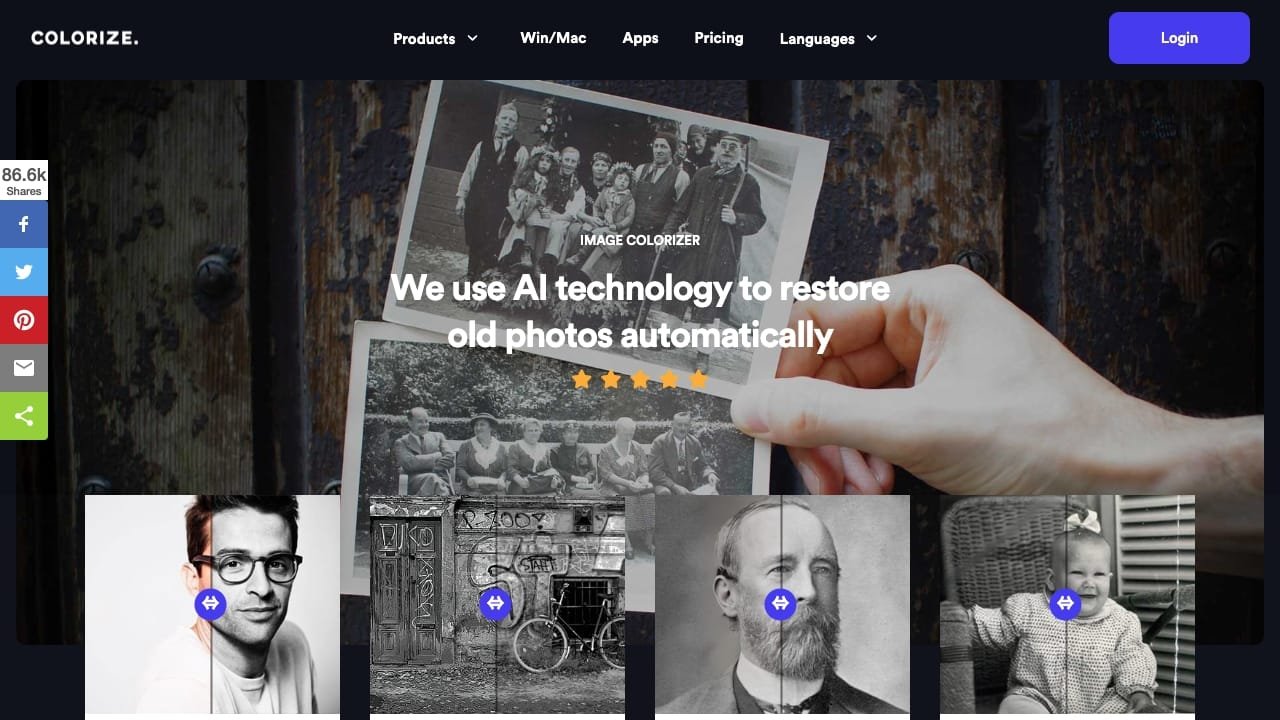
ImageColorizer is an AI-powered platform designed to restore, colorize, and enhance old or damaged photographs. It provides a suite of tools that allow users to transform black-and-white images into color, repair physical damage like scratches and tears, and sharpen blurry details. The platform is built to help individuals preserve family history and legacy photos by improving clarity and restoring faded elements while maintaining the original character of the image.
The tool is suitable for anyone looking to archive, print, or share vintage family snapshots, historical images, or portraits. Beyond simple colorization, it offers specific features for portrait retouching, noise reduction, and object removal. Accessible via web browser or mobile applications for iOS, iPad, Mac, and Android, ImageColorizer provides a streamlined workflow for digitizing and cleaning up aged or low-quality photographic media.
How to use it?
- Upload your black-and-white or damaged photo to the ImageColorizer platform.
- Select the specific tool required, such as colorization, scratch repair, or portrait enhancement.
- Allow the AI to process the image to restore details, colors, and clarity.
- Review the results and download the restored version of your photograph.
Features
The primary capabilities of the AI tool called ImageColorizer are as follows:
1. Colorize: Automatically applies color to black and white images.
2. Restore: Enhances faces and details in aged photos to renew their sharpness.
3. Enhance: Upgrades blurry and low-resolution vintage photos to high definition.
4. Retouch: Refines and enhances the quality of antique portrait photos.
5. Repair: Restores damaged and scratched old images with a simple click.
6. Cleanup: Eliminates unwanted elements from vintage photographs.
7. Image Colorizer: Fundamental AI function that introduces realistic colors to black and white images.
Similar Websites