FocuSee
Overview
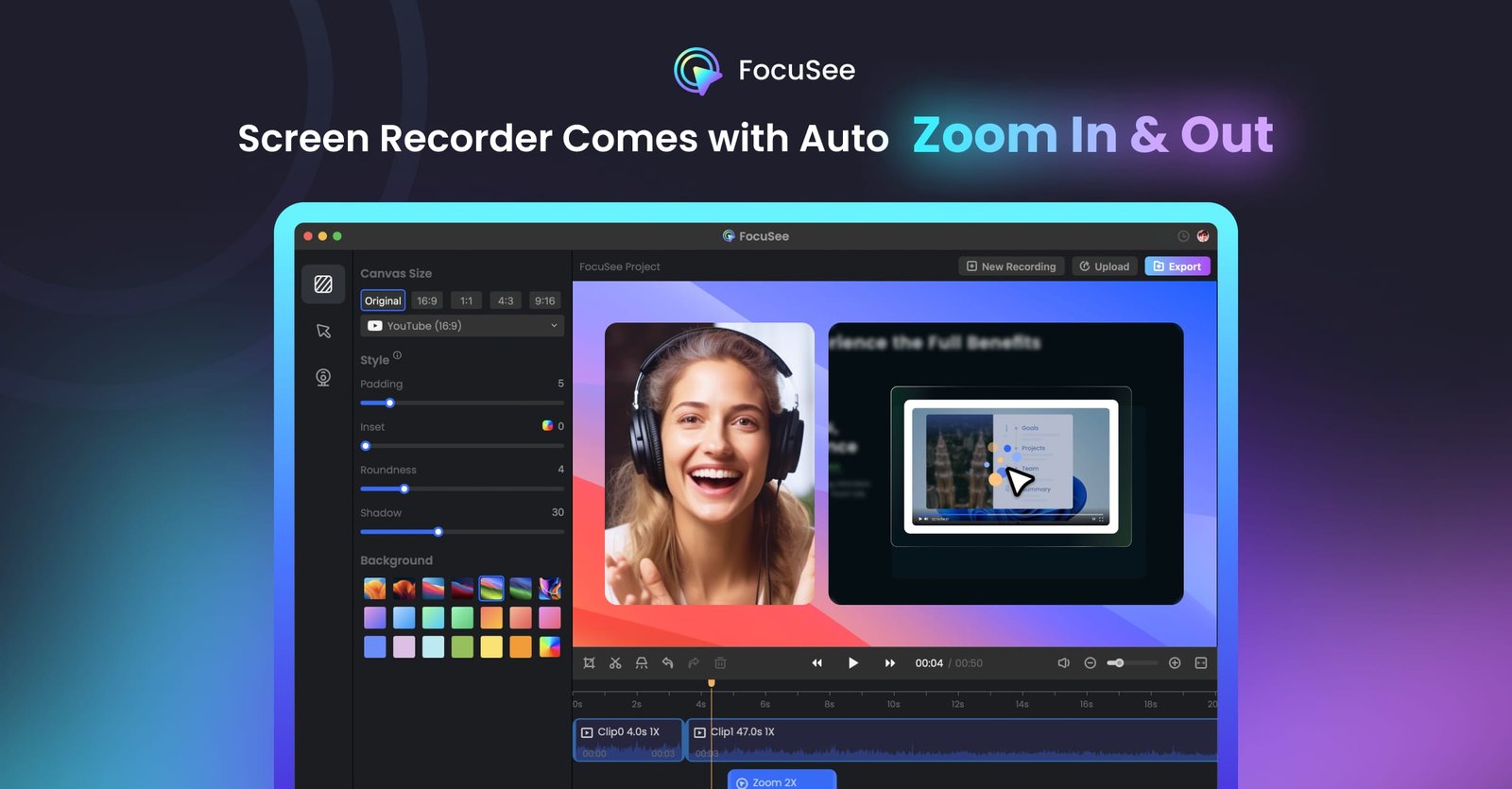
FocuSee is an AI-powered screen recording and editing tool designed for Windows and Mac. It streamlines the video creation process by automatically applying cinematic effects, such as auto-zoom on clicks, cursor tracking, and 3D motion, eliminating the need for manual post-production editing. The software is built to help users produce professional-grade content quickly and efficiently.
The tool is ideal for creators, educators, and professionals who need to produce product demos, tutorials, online courses, and marketing videos. Key features include an integrated teleprompter, AI-driven audio enhancement, automatic subtitle generation, and a suite of annotation tools. By automating the editing workflow, FocuSee enables users to generate polished, share-ready videos immediately after recording.
How to use it?
- Record your screen activity using the FocuSee desktop application.
- Utilize the built-in teleprompter if you are presenting specific content.
- Allow the AI to automatically apply zoom, cursor effects, and audio enhancements.
- Use the annotation suite to add text, arrows, or spotlights for additional clarity.
- Export your finished, polished video directly from the application.
Features
Automated zoom-in capabilities, Tracking of cursor movements, appealing backdrop, Eliminates the need for manual editing
Similar Websites