Code GPT
Overview
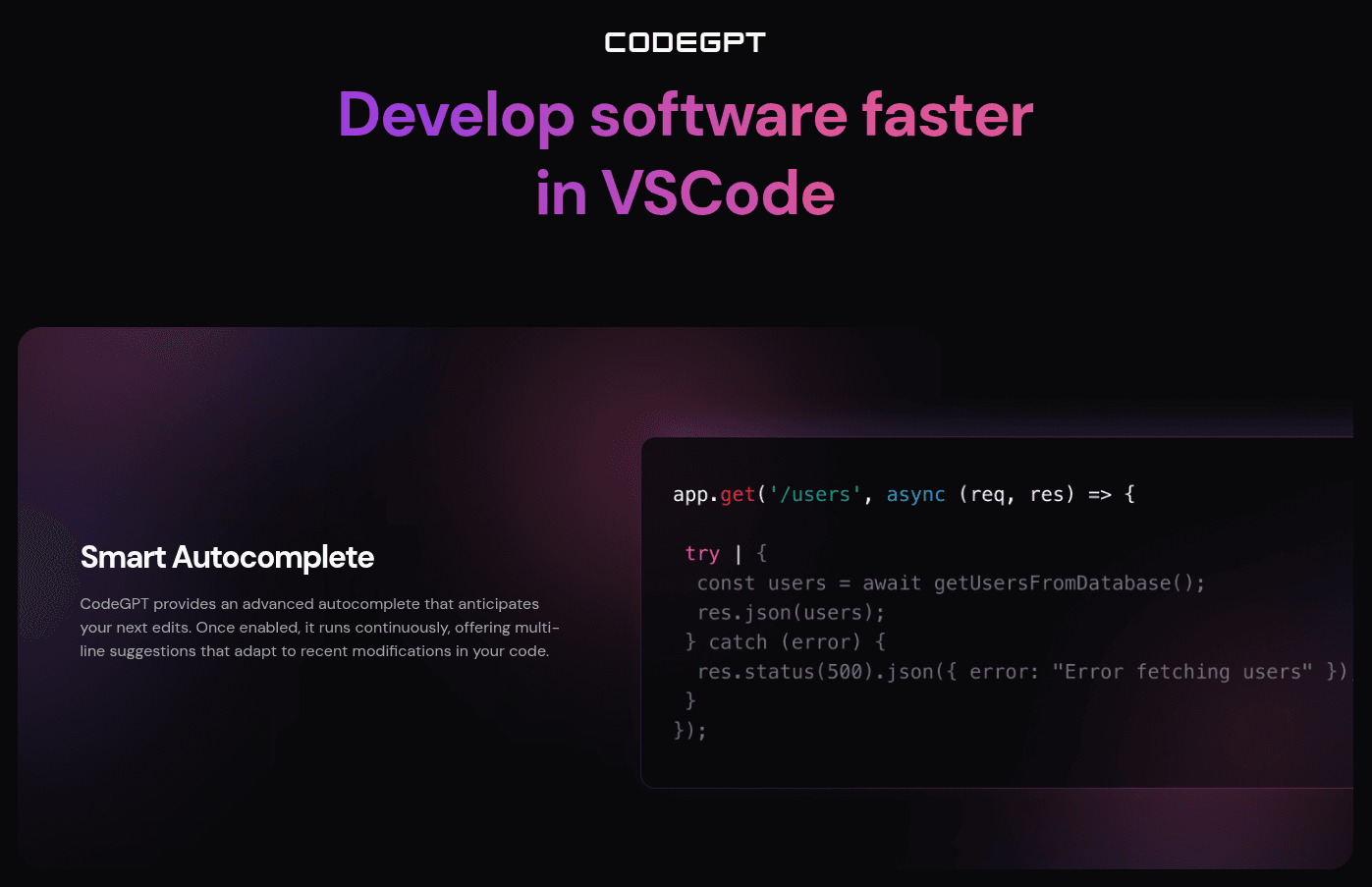
CodeGPT is an AI-powered coding assistant designed for integration directly into development environments like VS Code and JetBrains. It allows developers to utilize their own API keys to access a variety of frontier AI models, including GPT, Claude, and Gemini, providing full control over model selection, costs, and data privacy.
The tool is built for developers and engineering teams who require a transparent, flexible AI workflow. It assists with code generation, refactoring, and debugging by analyzing the existing codebase to create detailed implementation plans. With features like MCP support for connecting to external databases and documentation, as well as proactive terminal threat detection, CodeGPT is designed to streamline complex engineering tasks while maintaining strict data sovereignty.
How to use it?
- Install the CodeGPT extension for your preferred IDE, such as VS Code or JetBrains.
- Configure the extension by inputting your own API keys for your chosen AI models.
- Use the interface to prompt the assistant to analyze your codebase, generate code, or debug specific issues.
- Review the AI’s proposed plans and edits before applying changes to your project.
Features
CodeGPT offers a coding chat helper, management of context, the ability to create AI agents, syncing with GitHub repositories, and API availability for creating tailored AI solutions.