Autodraw

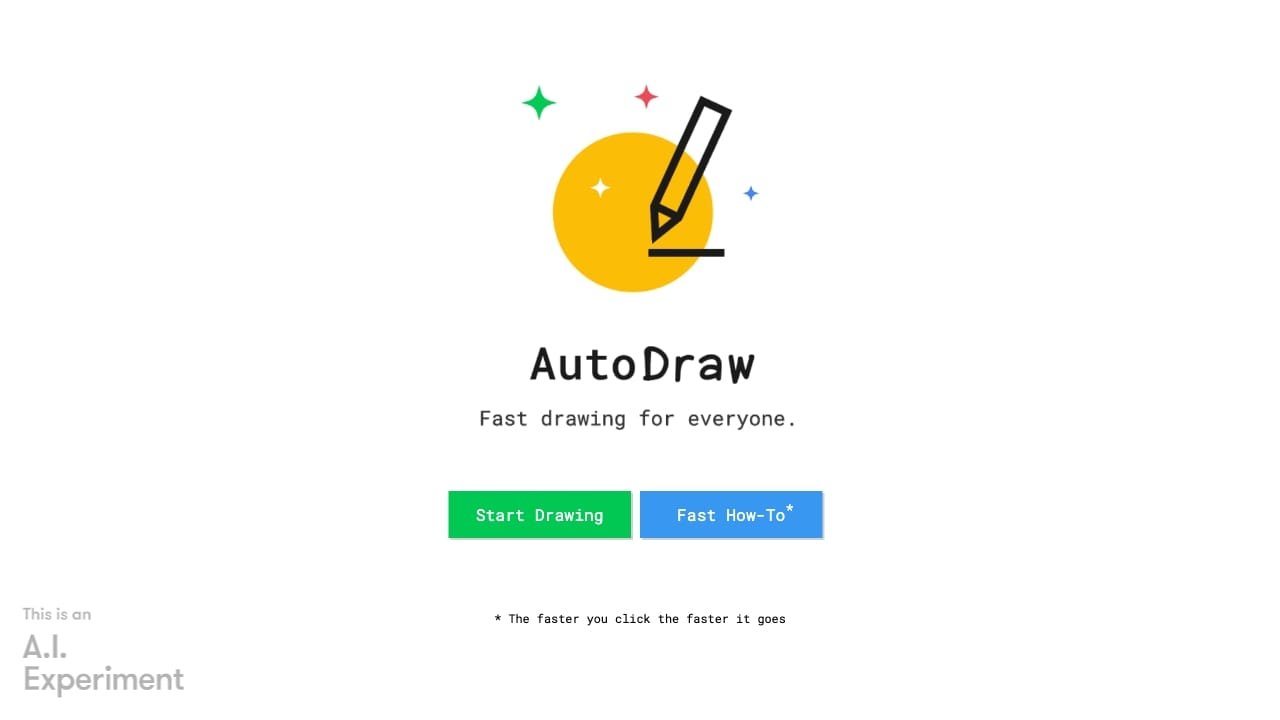
AutoDraw helps users draw sketches by suggesting relevant icons or drawings based on their inputs.
Category: AI Advertising Assistant
e28957328d78bbae36aace9de8ee68ff

Overview

AutoDraw is a web-based drawing tool that combines machine learning with artwork created by talented artists. It is designed to help users create visuals quickly, regardless of their artistic skill level.

The tool is intended for anyone who needs to produce simple icons, sketches, or diagrams rapidly. Typical use cases include creating quick visual aids for presentations, brainstorming ideas, or making simple digital drawings without needing professional design software.

How to use it?

  1. Open the AutoDraw website in a browser with JavaScript enabled.
  2. Select the AutoDraw tool from the toolbar and begin sketching your intended shape on the canvas.
  3. Review the suggestions that appear in the top suggestion bar based on your drawing.
  4. Click on a suggestion to automatically replace your rough sketch with a polished version created by an artist.

Features

Key features of AutoDraw:
1. Sketch Recognition: The AI tool promptly identifies the objects or images drawn by users on the canvas.
2. Icon Suggestions: AutoDraw offers a range of tailored icons or drawings that correspond with the user's sketch.
3. Streamlined Drawing: AutoDraw enables users to produce attractive sketches effortlessly, even with minimal drawing expertise.
4. Personalization: Users have the option to customize and modify the suggested drawings according to their liking.

Similar Websites

e28957328d78bbae36aace9de8ee68ff
AutoDraw is a web-based drawing tool that combines...
AI Advertising Assistant
Shopping Cart
Scroll to Top
About · Contact · Privacy Policy · Terms of Service · Disclaimer
Some links to tools are affiliate links — if you sign up through them we may earn a commission at no extra cost to you. This never affects which tools we list.
© 2026 GPT Library